
Table of Contents
Expert license & Dashboard extension
New year, new license options!
- Survalyzer introduces a new user license type: Expert
- Survalyzer introduces a new add-on: Dashboard Extension. This extension offers access to Dashboard Reports. Possible to buy and use together with Expert license.
- Clients who currently hold a Expert license can continue to use it without any changes. However, please note that this license is no longer available for new purchases or upgrades. Looking ahead, the Expert license with Dashboard Extension will serve as the successor to the Expert license, offering enhanced capabilities and features.
Extended Segmented Excel Report
We have introduced a number of improvements, so that you can analyze your surveys faster, deeper and in a more customized way than before:
- Expert Custom Tables mode. Define custom tables analysis including boxed distributions, ai text analytics, data weighting, significance tests, and more.
- Professional Multiple segmentation types in one report. No more need to create separate report for each segmentation you want to analyze, now you can include all in the same report.
- Professional Segmentation type: Variable-based. Automatically build segmentation based on selected variable.
- Expert Segmentation type: Time-based. Automatically build segmentation on days / weeks / months / quarters or years.
- Professional Decide on report structure: See all results in one Excel sheet or multiple sheets, with or without charts.
- Professional Total segment option possible to set as the first one in table
- Professional NPS & IAT question types default analysis fixed.
Improvements in Dashboard Reports
Dashboard extension
- See significance test results in excel report exports
- Add unweighted total base to weighted tables (table wizard)
- Total segment option possible to set as the first one in table
- Chart in table legend visible in word & pdf report exports
- Create multiple segmented tables per one question in one table wizard flow
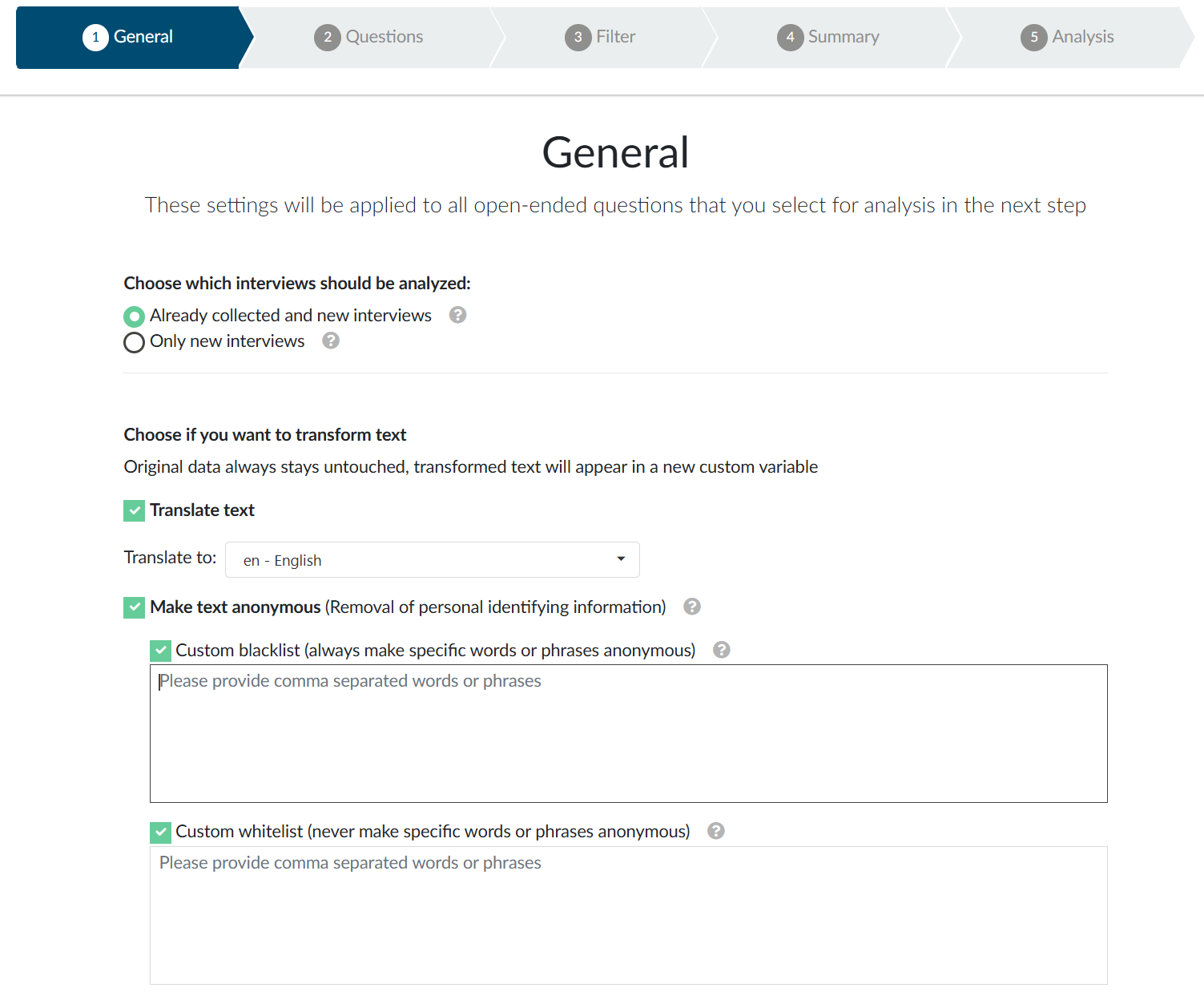
AI open comments anonymization
Expert Blacklist & whitelist words or phrases in AI open comments anonymization feature for better control
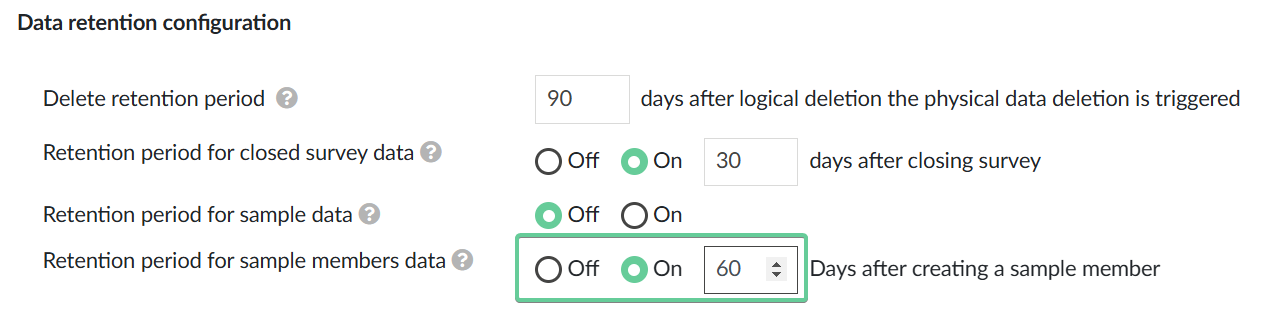
New admin compliance control settings
Delete sample members after [X] days from their creation (account & workspace setting)
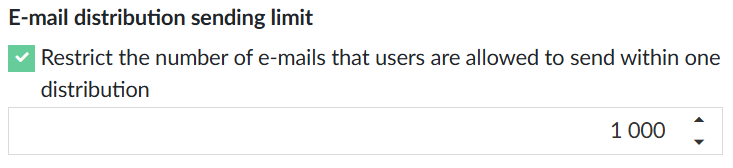
Restrict number of emails possible to be sent per distribution (workspace setting)
Integration extensions
- Public API: Raw data can be now be exported to JSON also with labels using the following calls:
publicapi/Interview/v3/ReadInterviewList
publicapi/Interview/v3/ReadInterviewListCompact - Webhooks: extended with optional WorkspaceId parameter to allow to create webhook for all surveys within one workspace.
See details regarding our API integrations here:
EU Public API: Public API – EU Datacenter – Survalyzer Developer Resources
CH Public API: Public API – CH Datacenter – Survalyzer Developer Resources
Webhooks explanation: Webhooks – Survalyzer Developer Resources